Our official website is at the below address

http://Computer-Advise.com/

Blogger is just one of our distribution platforms. Check out more from our website!


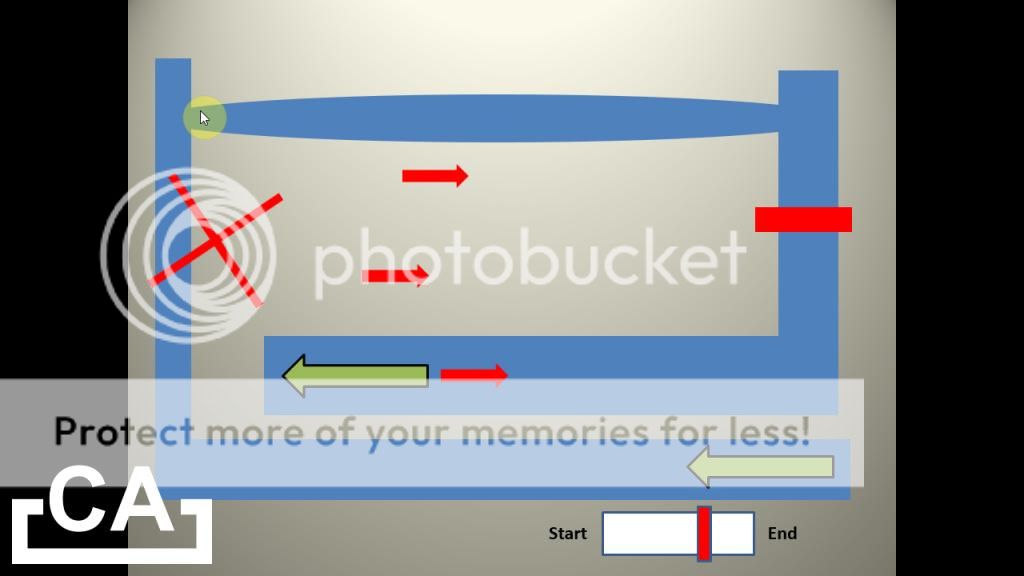
PowerPoint maze - Add moving obstacles, time limits et cetera

Friday, December 13, 2013

Watch it on YouTube

Computer Advise episode 24 - Learn how to add features like moving obstacles and time limits into your PowerPoint maze! If you have not, please watch Computer Advise Episode 14 - Make a maze game with Microsoft PowerPoint from http://youtu.be/FA1pYzSjVE8 first to learn how to make the basic maze in PowerPoint.

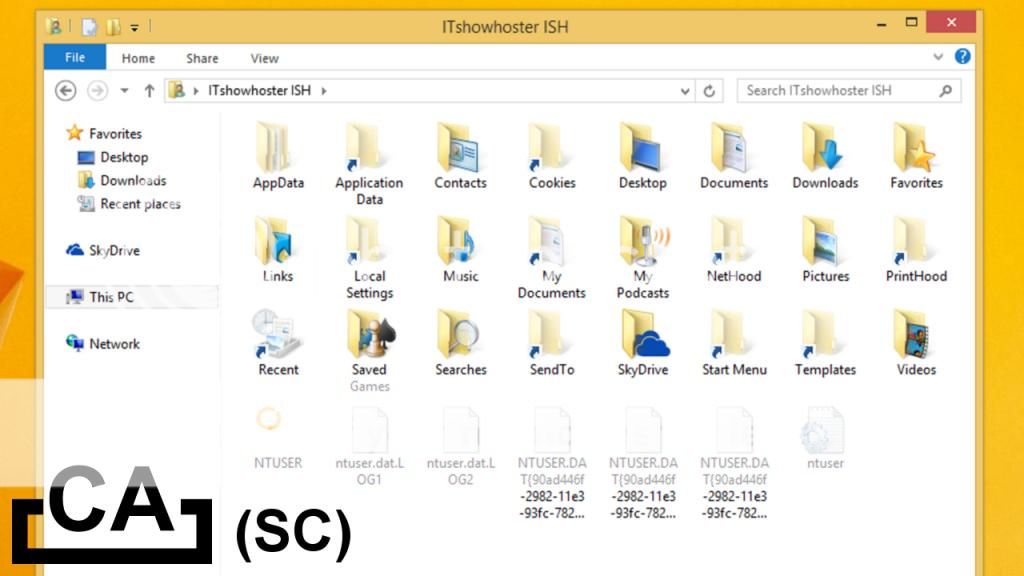
Show hidden files and folders in Windows Explorer

Saturday, December 7, 2013

Watch it on YouTube

[Extracted from Episode 23 - 10 Windows hidden tricks] Learn how to use Windows Explorer to display hidden files and folders, in 2 steps!

Find lost mouse pointer with CTRL

Friday, December 6, 2013

Watch it on YouTube

[Extracted from Episode 23 - 10 Windows hidden tricks] Ever have problems finding your mouse pointer? After this tutorial, you will learn how to use the CTRL key to find it, hence not losing your mouse pointer again!

Freely arrange desktop icons (without invisible grid)

Watch it on YouTube

[Extracted from Episode 23 - 10 Windows hidden tricks] Learn how to freely arrange desktop icons, without snapping it to the invisible grid.

10 Windows hidden tricks

Watch it on YouTube

Computer Advise episode 23 - Watch as we uncover 10 hidden (or simply forgotten) Windows tricks that you might not have used before (or even come across) in Windows.

Announcement: Removal of Blip as distribution platform

Sunday, October 13, 2013

Starting today (13 October 2013), we will remove Blip as our episode distribution platform due to an unforeseen situation that happened recently. As such, all current Computer Advise episodes will gradually be removed from Blip, while future episodes will only be made available on YouTube.

In the course of the next few months, we will completely remove Blip as our episode distribution platform, while continuing to focus on producing excellent-quality Computer Advise episodes. Any inconveniences caused by this decision will be regretted.

F-16 and SR22 flight simulator in Google Earth

Sunday, June 2, 2013

Watch it on YouTube

Computer Advise episode 22 - A short tutorial on how to enable and use the flight simulator found in Google Earth.

Emulate another Operating System in Windows (remake)

Saturday, April 13, 2013

Watch it on YouTube

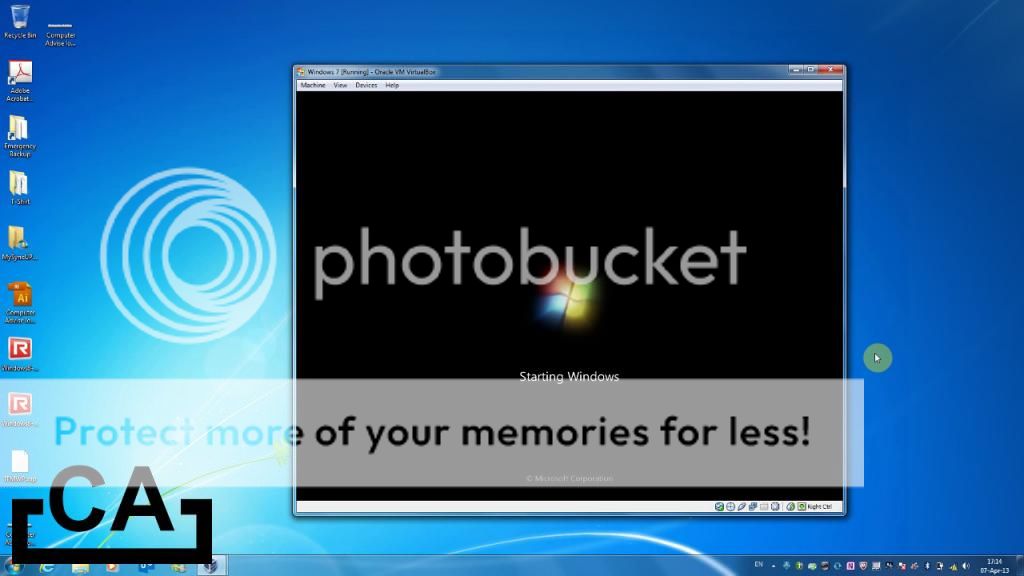
Computer Advise episode 21 - A short tutorial on emulating another Operating System (OS) in Windows.

Computer alarm clock app

Saturday, April 6, 2013

Watch it on YouTube

[Extracted from Episode 20 - Create your own PC Alarm + Detailed explanation] A custom-made basic computer alarm clock app for the Windows desktop, entirely made with Visual Basic.

[April Fools!] Emulate another Operating System in Windows

Monday, April 1, 2013

Watch it on YouTube

[This is an April Fools' joke created by us that features an incomplete Computer Advise episode, so please do not take it too seriously! Original description below]

Computer Advise episode 21068 - Learn how to emulate another Operating System in Windows with this episode! (See below for more details)