Our official website is at the below address

http://Computer-Advise.com/

Blogger is just one of our distribution platforms. Check out more from our website!


Showing posts with label Released episodes. Show all posts

Screenshot individual windows with transparent effects in Windows 10

Wednesday, August 23, 2017

Watch it on YouTube

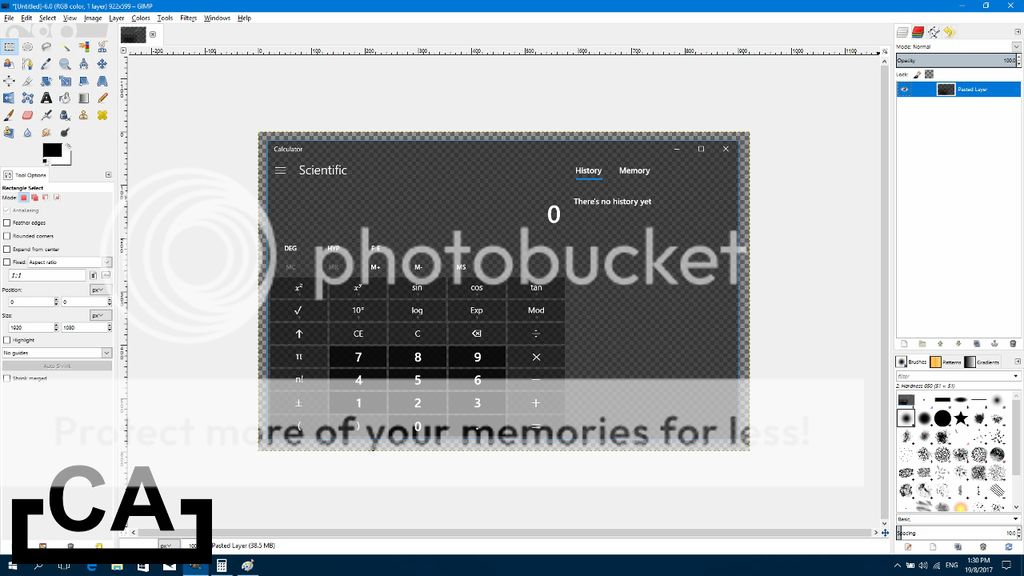
Computer Advise episode 30 - Learn how to take a screenshot of individual windows with transparent effects, in Windows 10! Also included is a tutorial on how to blur the background, to have that new Fluent Design System look! A must-watch tutorial if you're creating screenshots for apps!

Find Internet Explorer in Windows 10

Sunday, October 25, 2015

Watch it on YouTube

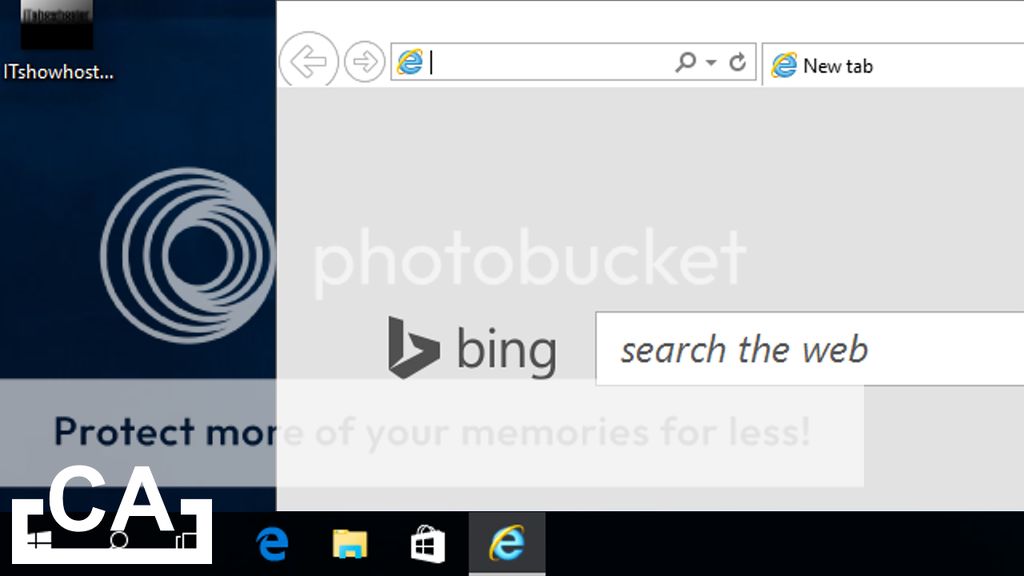
Computer Advise episode 29 - Recently upgraded to Windows 10, but could not find Internet Explorer (for any reason)? We're here to help you, with 3 methods of finding it! We also show you how to create shortcuts for Internet Explorer, so that you can access it easily! However, do take note that Microsoft might remove Internet Explorer in future builds of Windows 10, hence, this tutorial is only guaranteed to work in Windows 10 Build 10240.

Export 1080p snapshot of PowerPoint slide

Monday, June 15, 2015

Watch it on YouTube

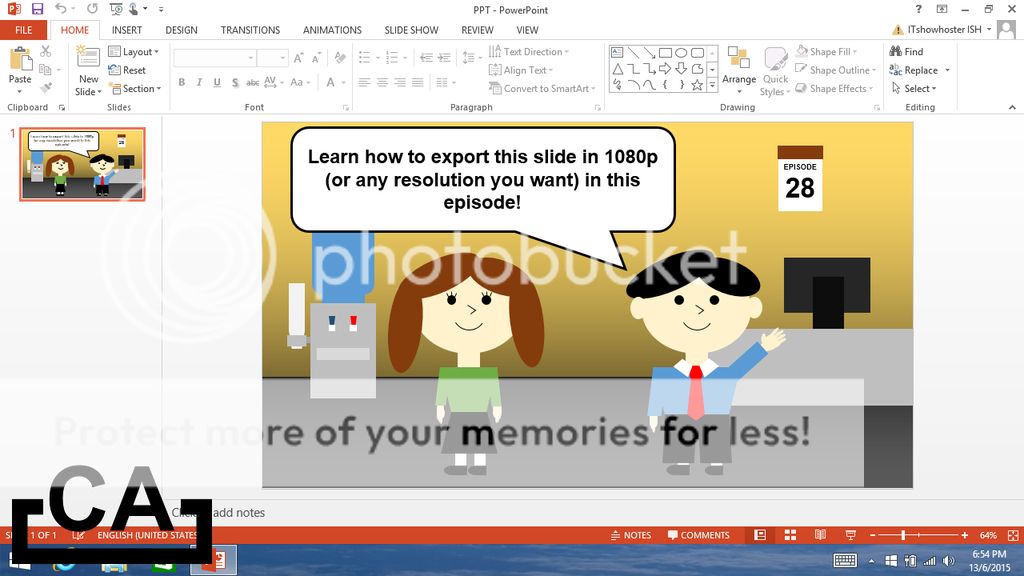
Computer Advise episode 28 - The normal PowerPoint export function can only export 720p (1280 x 720) slide snapshots. In this tutorial, we show you an alternative way in PowerPoint to export snapshots, in 1080p resolution (or any other resolution you desire)!

Build virtual brick models

Sunday, May 10, 2015

Watch it on YouTube

Computer Advise episode 27 - Build LEGO brick models on your PC, and render it into high-quality images!

Play arcade games on a PC

Sunday, February 16, 2014

Watch it on YouTube

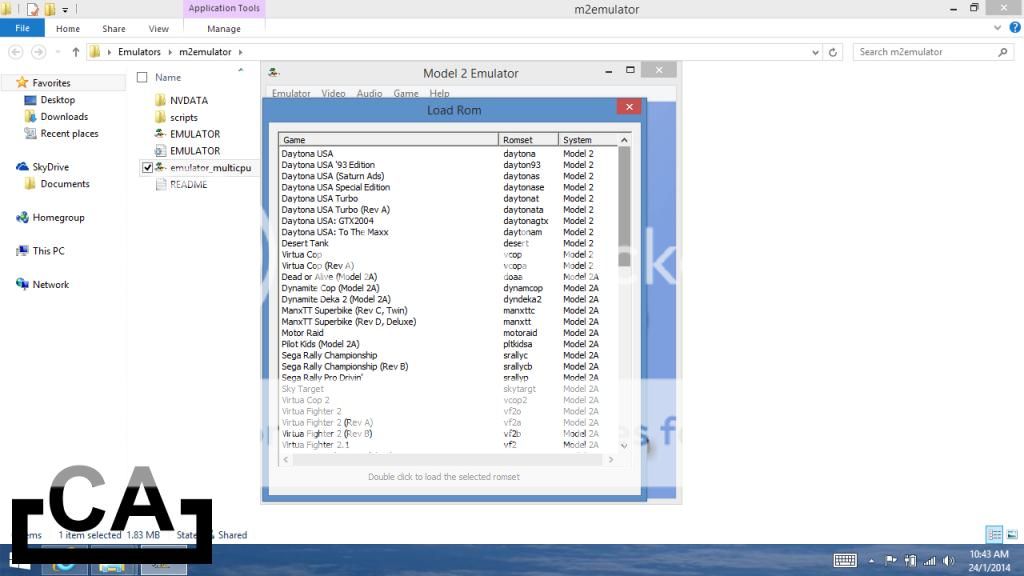
Computer Advise episode 26 - Learn how to play arcade games, right from your very own PC!

Run Android apps and games on a PC

Wednesday, January 1, 2014

Watch it on YouTube

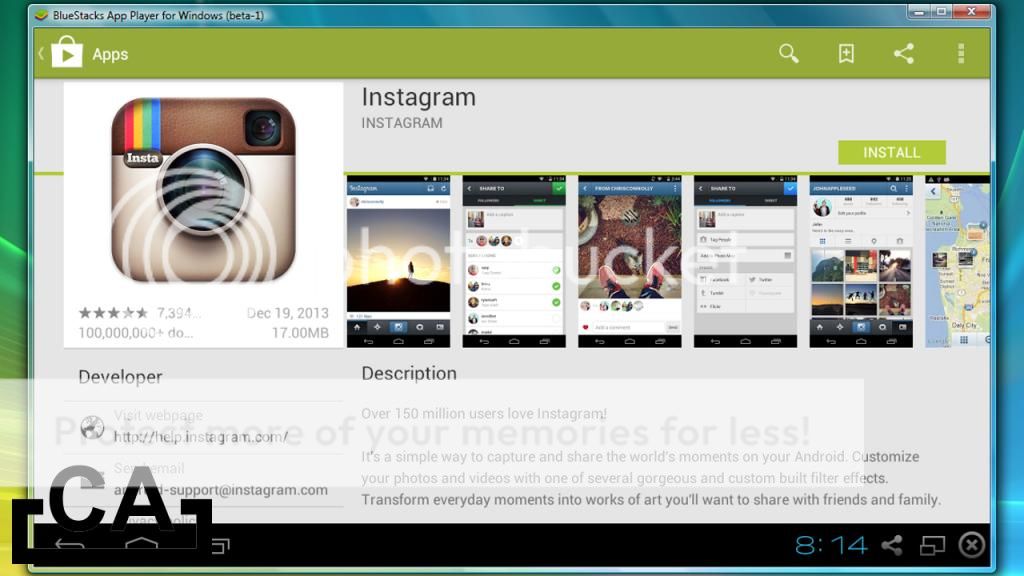
Computer Advise episode 25 - Run Android apps on your Windows PC (not by emulating Android OS itself), and play games like Angry Birds (Android version) right on your PC, just like how you play on your Android phone!

PowerPoint maze - Add moving obstacles, time limits et cetera

Friday, December 13, 2013

Watch it on YouTube

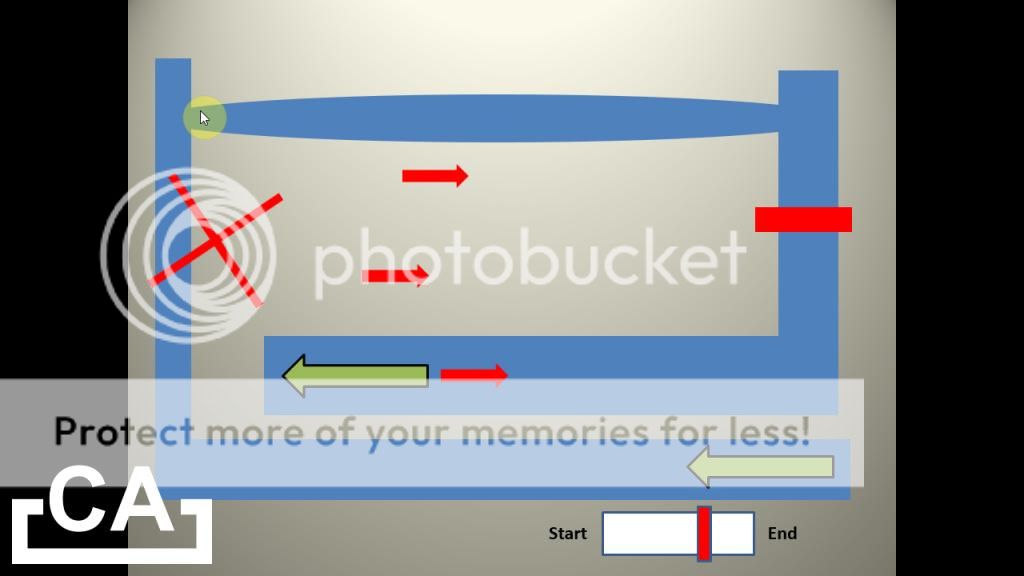
Computer Advise episode 24 - Learn how to add features like moving obstacles and time limits into your PowerPoint maze! If you have not, please watch Computer Advise Episode 14 - Make a maze game with Microsoft PowerPoint from http://youtu.be/FA1pYzSjVE8 first to learn how to make the basic maze in PowerPoint.

10 Windows hidden tricks

Friday, December 6, 2013

Watch it on YouTube

Computer Advise episode 23 - Watch as we uncover 10 hidden (or simply forgotten) Windows tricks that you might not have used before (or even come across) in Windows.

F-16 and SR22 flight simulator in Google Earth

Sunday, June 2, 2013

Watch it on YouTube

Computer Advise episode 22 - A short tutorial on how to enable and use the flight simulator found in Google Earth.

Emulate another Operating System in Windows (remake)

Saturday, April 13, 2013

Watch it on YouTube

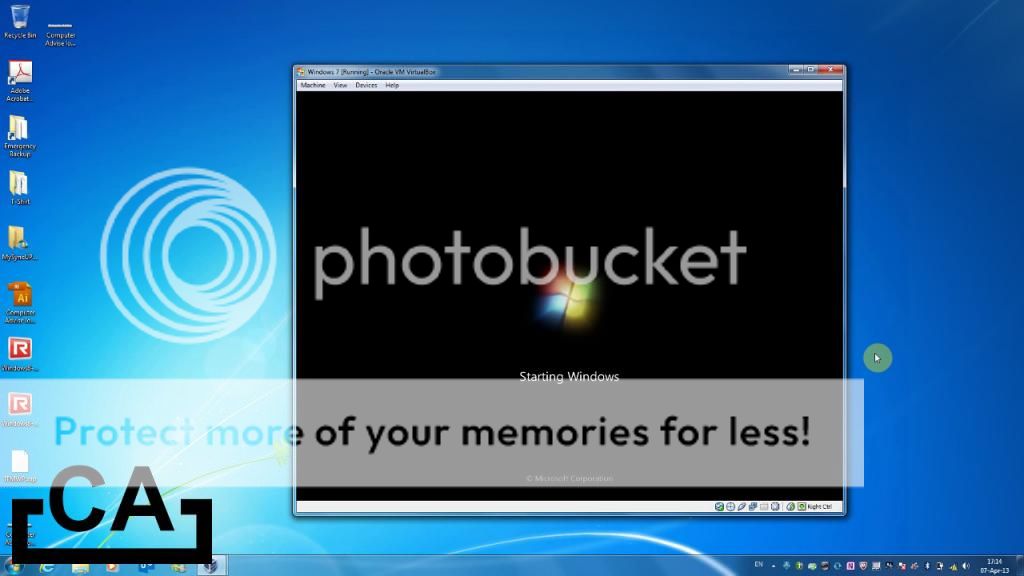
Computer Advise episode 21 - A short tutorial on emulating another Operating System (OS) in Windows.

Create your own PC Alarm + Detailed explanation

Sunday, March 17, 2013

Watch it on YouTube

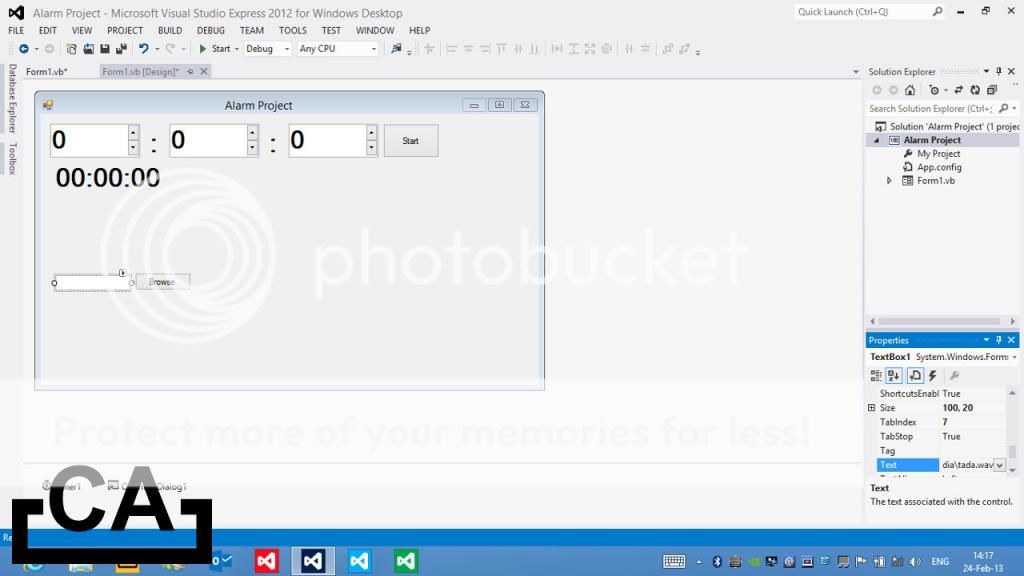
Computer Advise episode 20 - This episode is dedicated to those who wants to learn Visual Basic programming language, and also to those who simply wants to make their own PC Alarm.

Share Internet using WiFi without router

Saturday, February 23, 2013

Watch it on YouTube

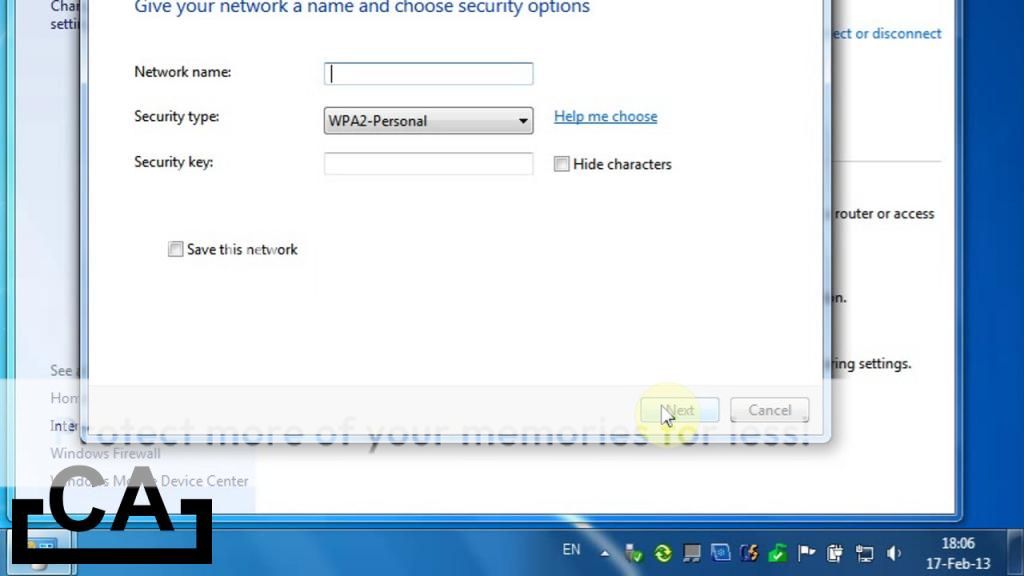
Computer Advise episode 19 - Learn how to share your Internet connection using WiFi in Windows, without the need for a router! Works with most WiFi devices (e.g. XBOX 360, smartphones etc.).

Google.com hidden features

Thursday, December 27, 2012

Watch it on YouTube

Computer Advise episode 18 - With most of google.com's hidden features exposed in this episode, you can now use Google like a pro!

Export EXE files instead of ClickOnce applications in Visual Studio

Tuesday, November 27, 2012

Watch it on YouTube

Computer Advise episode 17 - Did you know that there is a way to export EXE files instead of ClickOnce applications in Visual Studio? Watch this episode to find out more!

Free and useful software (remake)

Monday, November 26, 2012

Watch it on YouTube

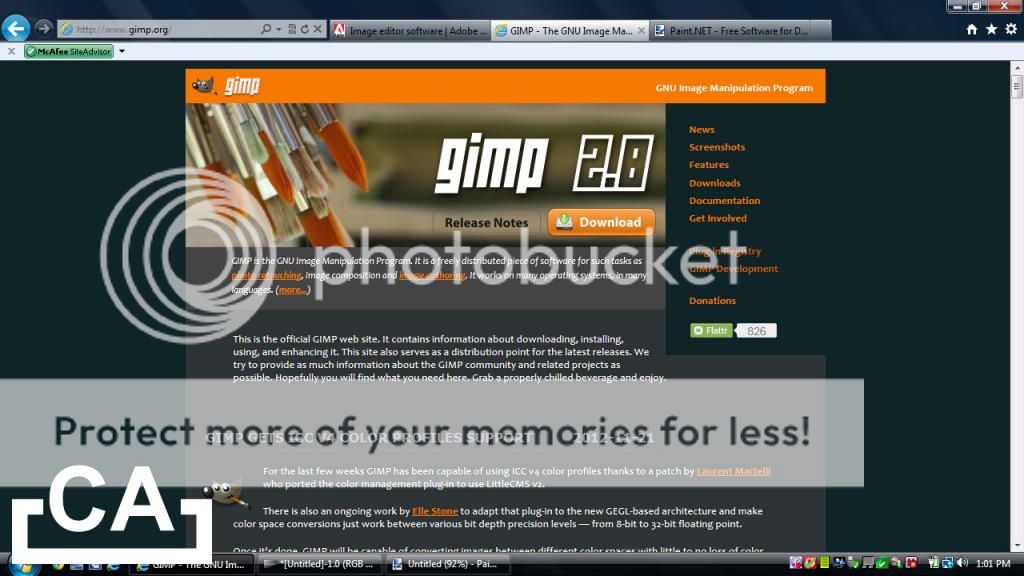
Computer Advise episode 16 - In this episode, we will be introducing some free software that are useful, and most importantly FREE!

Synchronise files with Briefcase in Windows

Saturday, November 10, 2012

Watch it on YouTube

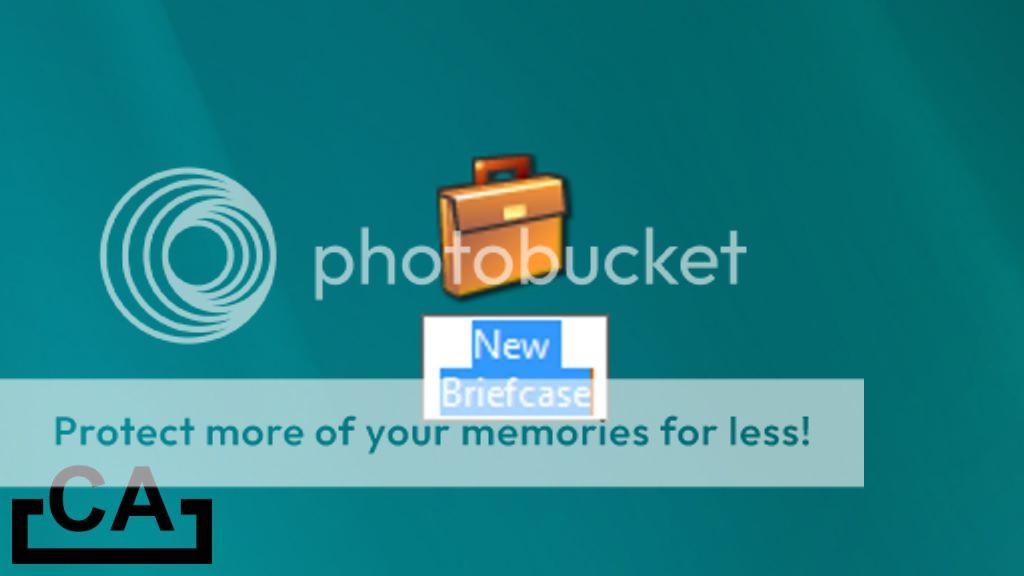
Computer Advise episode 15 - This episode is a tutorial on how to use the Briefcase found in Windows (by right-clicking and selecting New, Briefcase).

Make a maze game with Microsoft PowerPoint

Thursday, January 19, 2012

Watch it on YouTube

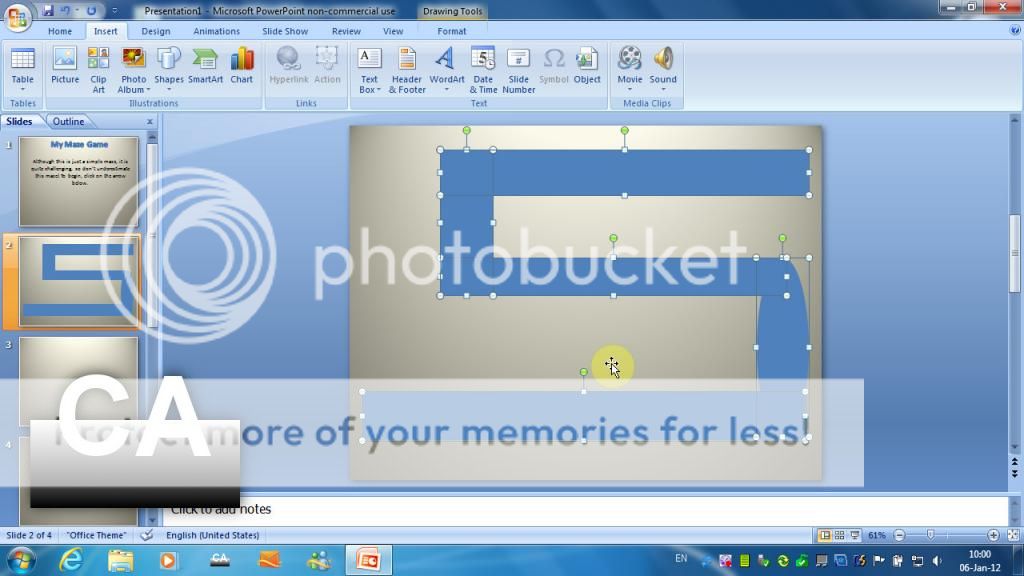
Computer Advise episode 14 - After watching this episode, you can now make a maze game in Microsoft PowerPoint, without any extra download, to challenge and impress your friends with your very own custom maze game!

Emulate Windows Mobile on a PC

Sunday, November 27, 2011

Watch it on YouTube

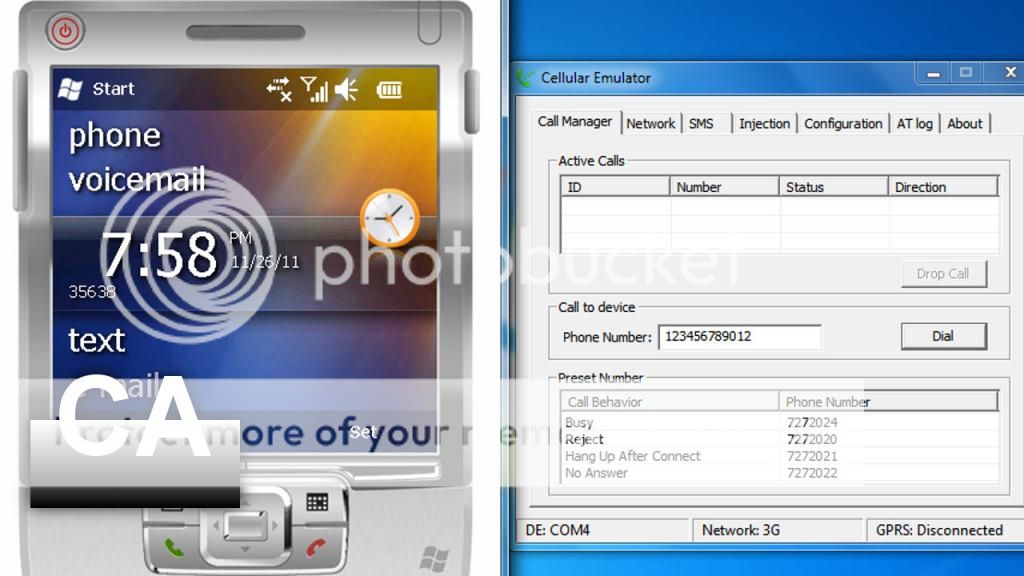
Computer Advise episode 13 - In this episode, we will teach you how to emulate Windows Mobile on your Windows PC.

Emulate Android on a PC

Thursday, November 24, 2011

Watch it on YouTube

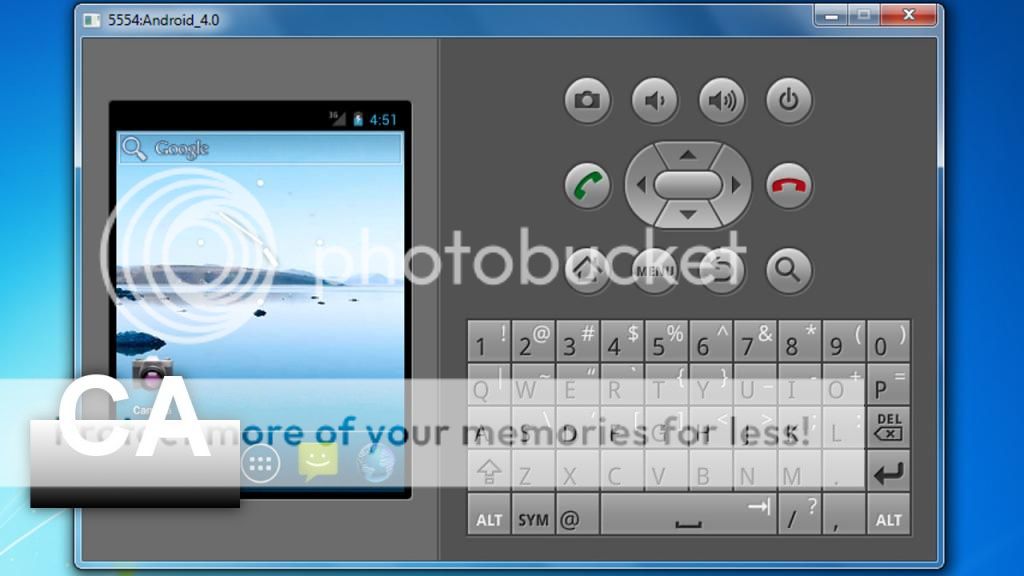
Computer Advise episode 12 - In this episode, we will teach you how to emulate Android on your Windows PC.

Create your own web browser (Part 2)

Thursday, December 2, 2010

Watch it on YouTube

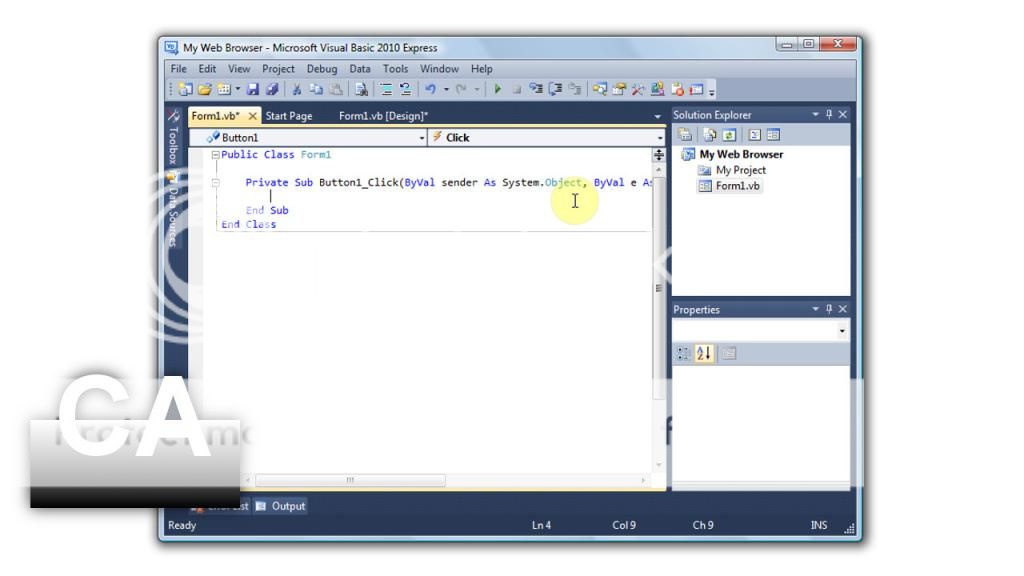
Computer Advise episode 11 - This is part two of two on how to create your own web browser in Microsoft Visual Basic.